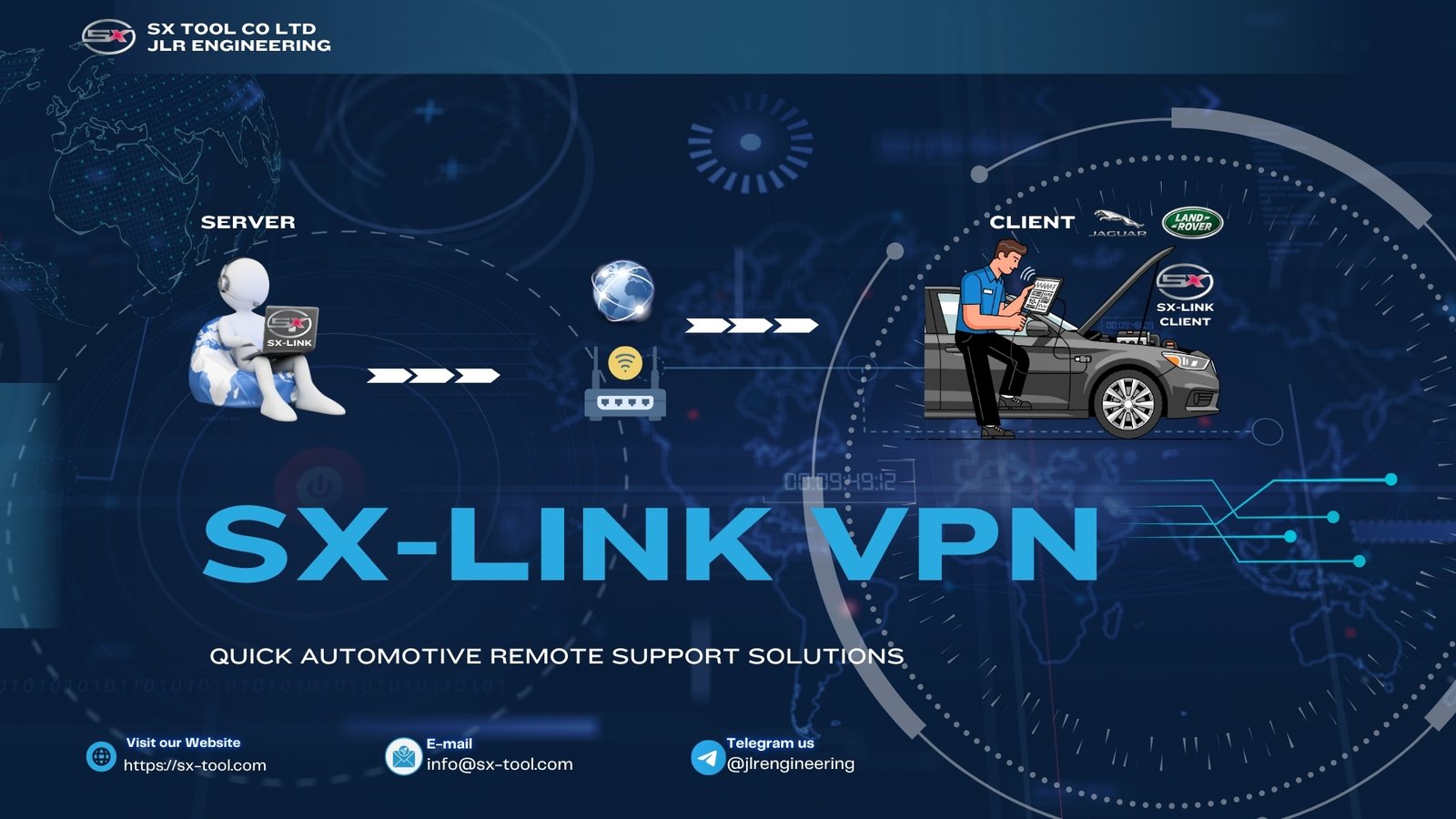
SX-LINK bridges the gap between your workshop and our engineering team. Plug it into the vehicle, connect to the internet, and our engineers can perform diagnostics, programming, and troubleshooting remotely — as if they were standing next to the car.
SX-LINK creates a secure, encrypted tunnel between the vehicle and our cloud servers. Our engineers connect to the same tunnel, giving them direct access to the vehicle's diagnostic network without ever leaving our office.
Plug SX-LINK into the OBD-II port. The device auto-detects the vehicle architecture (EVA1/EVA2) and establishes a secure local connection.
SX-LINK connects to our encrypted cloud gateway over WiFi or 4G. No firewall configuration needed — outbound HTTPS tunnel.
Our JLR engineer connects to the same session and performs diagnostics, programming, or guidance in real time.
Read and clear DTCs, view live data, run actuator tests, and perform service functions remotely. All UDS services available over the cloud link.
Flash programming and calibration updates performed remotely. Our engineers handle the entire process while you monitor from the workshop.
Remote key programming sessions for customers who cannot visit. Our engineer guides the local technician through each step over video call.
Vehicle configuration changes made remotely. Ideal for fleet managers and mobile technicians who need configuration support in the field.
Enterprise-grade security with end-to-end encryption. No data stored on our servers — the tunnel is ephemeral and session-only.
AES-256-GCM encryption between SX-LINK, the cloud gateway, and our engineer stations. No vehicle data is ever stored or logged.
Global edge network ensures sub-100ms latency for most regions. Programming sessions feel local even when the engineer is on another continent.
Built-in video call integration allows our engineer to see the vehicle, dashboard, and your technician's actions while controlling the diagnostic session.
Get SX-LINK running in under five minutes. No complex network configuration required.
Connect SX-LINK to the vehicle's OBD-II port. The LED will flash green while it detects the vehicle architecture.
Use the built-in WiFi or insert a 4G SIM card. SX-LINK will automatically connect to the JLR FIX cloud gateway.
Open the SX-LINK app or web portal and click "Request Remote Session." Our engineers are notified immediately.
The engineer joins the session and begins work. You can watch live, chat, and disconnect at any time.
| Parameter | Specification |
|---|---|
| Vehicle Interface | OBD-II 16-pin |
| Protocols | DOIP, CAN, CAN FD |
| Network | WiFi 802.11ac / 4G LTE |
| Encryption | AES-256-GCM |
| Power | OBD-II bus power |
| Operating Temp | -20°C to +70°C |
| Dimensions | 95 x 60 x 28 mm |
| Antenna | Internal high-gain |
| Cloud | JLR FIX global edge network |
SX-LINK hardware with cloud subscription options. Session-based and unlimited plans available. Volume discounts available for multi-bay workshops.
All-in-one JLR engineering platform. Remote-capable with SX-LINK integration.
View Details ›Genuine JLR Vehicle Communication Interface. Required for full remote programming.
View Details ›Our engineering team is ready to assist with JLR diagnostics, tools, and parts inquiries. Reach out and we'll respond within 24 hours.